From invoice to PRO in five steps — no account first
Five steps, no registration first: make your invoice → enter your email → pay → get the letter → welcome to PRO.
- 1 Make your invoice
- 2 Enter your email
- 3 Pay securely
- 4 Get the sign-in letter
- 5 Welcome to PRO!
From the email step, a PRO account's email leaves the line: log in, extend PRO. Nothing is charged.
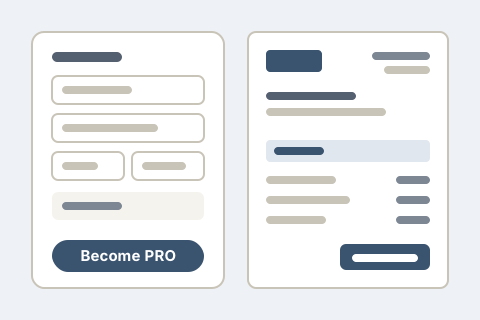
Step 1. Make your invoice in the constructor and press «Become PRO».
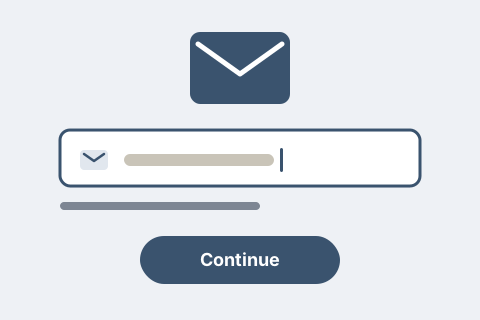
Step 2. Type your email. If it already has a PRO account, this is said now, before any payment: you log in and PRO is extended there. An accountant's or partner's email cannot buy PRO: use another email. Nothing is charged.
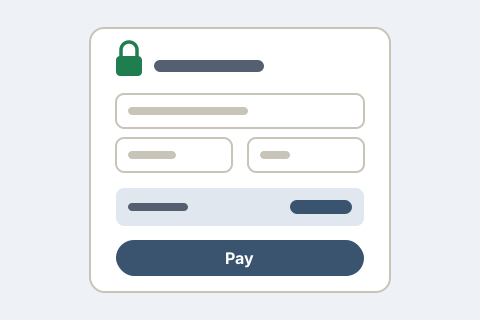
Step 3. Pay through Paddle. The promo code is typed on our page before the payment window opens; the total is shown before you pay.
Step 4. Your account is created and the letter «Set your password and sign in» goes to your email. If you ticked the box to move your invoice, it becomes a draft in the journal and gets the next number of your PRO numbering when you issue it.
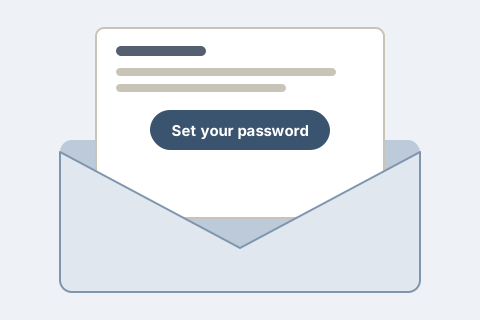
Step 5. Open the letter, set a password and sign in — welcome to PRO: a year of it is waiting for you and, if you ticked the box, your invoice is waiting in the journal as a draft.
If something goes wrong: a payment that did not go through leaves PRO off and your invoice in this browser; no letter after ten minutes — write to support.